Why Offline AI Matters
Offline AI is an assistant that keeps working even when your internet connection doesn't — and that turns out to matter more often than most people expect.
What "offline AI" means
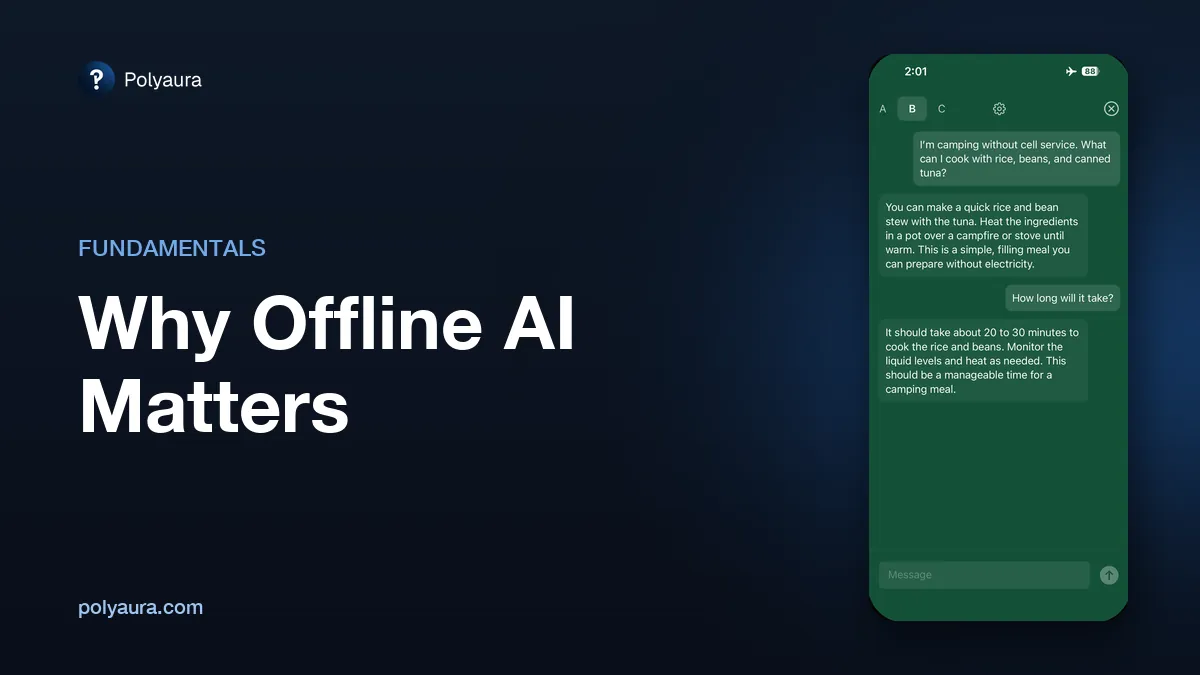
Offline AI is an assistant whose model runs directly on your device, so it doesn't need to reach a server to respond. Put your phone in airplane mode, turn off Wi-Fi, and it works exactly as it did a moment before. Cloud assistants cannot: with no connection there is nothing on the device to answer with, so you get a spinner, an error, or nothing at all.
The moments when the internet isn't there
It's easy to assume you're always connected, until you're not. A few common examples:
- Flights — even with paid Wi-Fi, connections are often slow, expensive, or unavailable entirely.
- Subways, tunnels, and elevators — brief but frequent dead zones during a normal day.
- Rural areas and international travel — where signal is patchy or roaming is turned off to avoid charges.
- Data caps and slow connections — where every request over a cloud API adds up.
- Server outages — when the AI company's own infrastructure goes down, cloud tools go down with it, no matter how good your connection is.
None of these are edge cases. They're just normal life, and they're exactly where offline AI keeps working when a cloud-only assistant stalls out.
Offline AI and privacy
Offline AI and private AI tend to go hand in hand, because the same design choice — keeping the model on your device — delivers both. If your conversation never has to leave your phone to get a response, there's also no server that logs, stores, or reviews it along the way. For a deeper look at what that means in practice, see private AI on iPhone.
The tradeoffs of offline AI
Offline AI isn't free of downsides. The model has to be downloaded and stored on your device ahead of time, which takes up storage space and requires an initial internet connection to set up. And because the model is sized to fit on a phone rather than a server farm, it generally won't match the raw capability of the largest cloud models on very complex tasks. For a full comparison, see ChatGPT vs. offline AI.
Offline AI in practice: Cloak
Cloak: Offline AI is a local AI chat app for iPhone and iPad that runs its model on the device, so nothing you type into a chat is sent to a server. No account is required, and it is a $1.99 one-time purchase in the US with everything included rather than a subscription. You download its model once — ideally over Wi-Fi — and after that, it works with no internet or cellular connection at all: on a flight, camping, or on the subway. You can get it on the App Store, or compare it with other on-device apps in the best offline AI apps for iPhone.
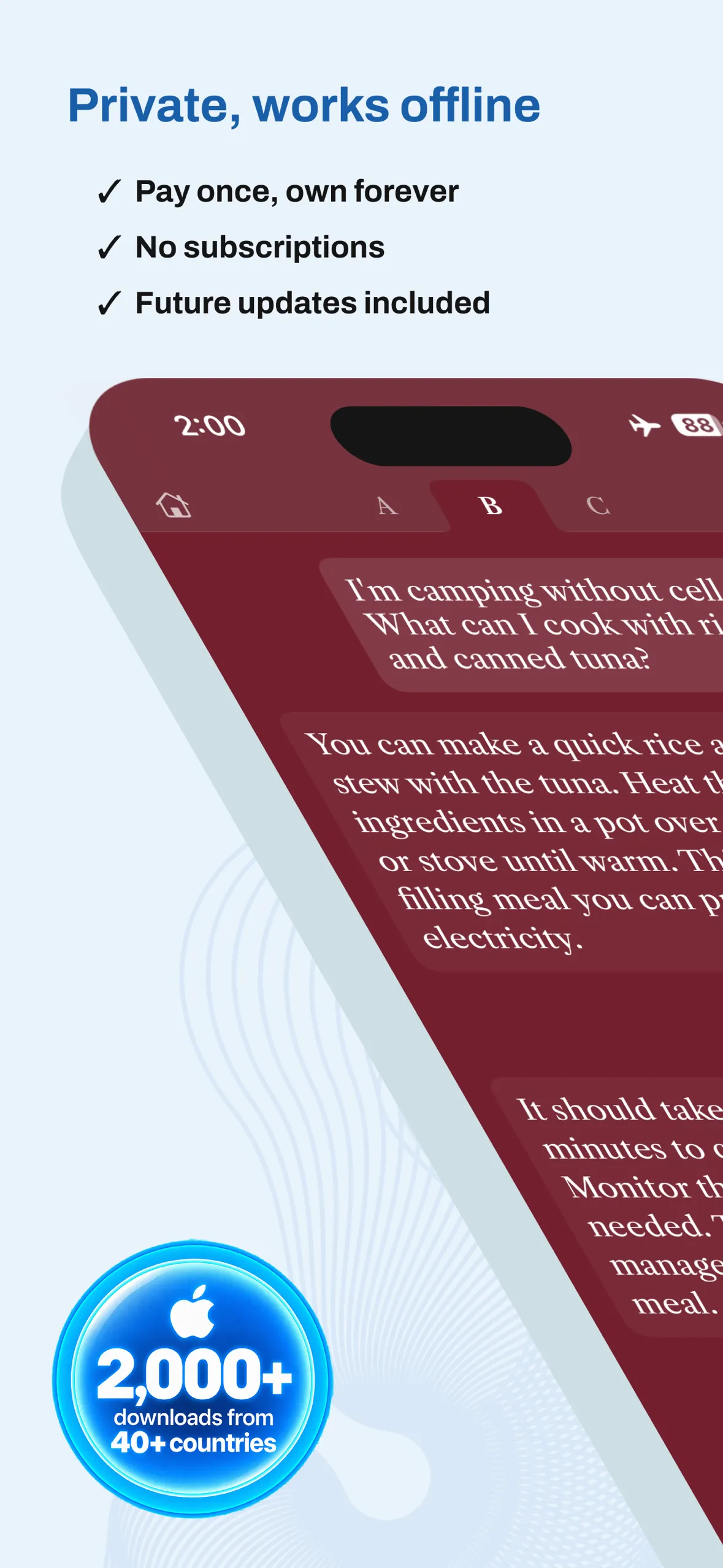
For specifications, pricing and device requirements, see the Cloak product page.
Cloak: Offline AI
Private chat, Voice Memos, and Recap. Runs on your device. $1.99 once.