ChatGPT vs. Local AI: Cloud and On-Device Compared
The difference is where the language model runs — on someone else's servers, or on the device in your hand. Almost everything else follows from that one choice.
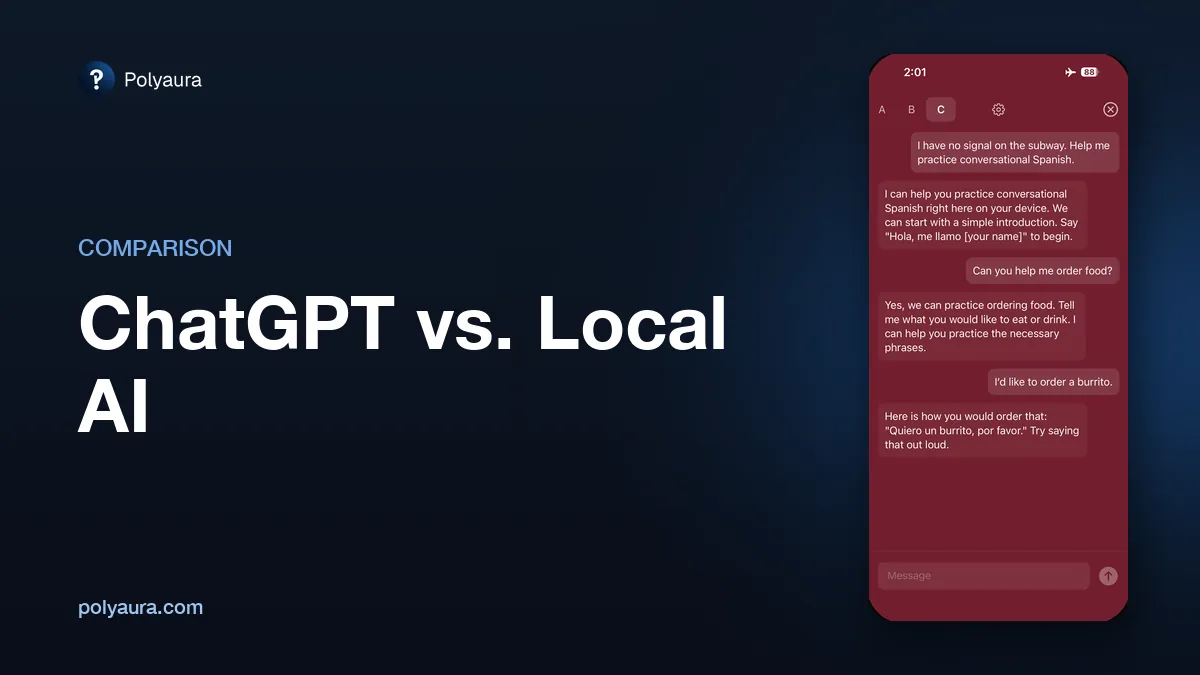
ChatGPT sends your message over the internet to OpenAI's servers, which generate the reply and send it back, so it needs a connection and an account every time. Local AI — also called on-device AI — runs the model on your own phone or computer, so it answers with no internet connection and nothing leaves the device. In exchange, the local model is smaller than the largest cloud models.
The short answer
- Choose cloud AI like ChatGPT for the hardest reasoning, long documents, current information from the web, and images, files, and voice.
- Choose local AI when you want conversations that never leave your device, an assistant that works with no signal, or a tool you pay for once instead of monthly.
- Most people use both: a cloud tool at the desk, a local one for the flight, the commute, or anything you would rather not hand to a server.
Head-to-head
| ChatGPT (cloud AI) | Local AI (on-device) | |
|---|---|---|
| Where the model runs | OpenAI's servers | Your own device |
| Internet required | Yes, for every message | Once, to download the model |
| Account required | Yes | Depends on the app; often none |
| Where conversations go | To a remote server | Nowhere — they stay on the device |
| Works in airplane mode | No | Yes |
| Typical cost model | Free tier or monthly subscription | Often free or a one-time purchase |
| Model size and capability | Very large; strongest reasoning | Smaller; sized to fit the device |
| Access to current information | Can browse the web | None; limited to its training |
| Images, files, and voice | Extensive support | Limited; varies by app |
| Affected by provider outages | Yes | No |
Where local AI wins
- Privacy is structural, not a policy. A cloud service promises what it will do with your data; a model on your device produces none, because the conversation never reaches a server. The test for any app is whether it still answers with the network off — see how to tell if an AI app is actually private.
- It works where the network doesn't. Flights, subways, tunnels, roaming off, provider outages: a cloud assistant stops, a local one is unaffected. More in why offline AI matters.
- The cost curve is flat. Subscriptions pay for servers. An app running on hardware you already own has no such bill, which is why on-device apps are commonly free or sold once.
Where ChatGPT wins
- Hard problems and long inputs. Multi-step reasoning, subtle code, and long documents are where model size matters most, and the largest cloud models remain clearly ahead.
- Anything recent. A local model knows only its training. It cannot tell you today's news or a current price; cloud assistants can search the web.
- Beyond plain text. Image understanding and generation, file handling, voice, and tool integrations are far more developed in cloud products. On-device apps are mostly text.
Local AI on an iPhone
Cloak: Local AI Chat, from Polyaura, is the on-device column made concrete: one model downloaded on first launch, every answer generated on the phone, no cloud fallback, no account, no subscription. 20 messages are free; unlimited messages are a $0.99 one-time purchase. Apps that let you manage models yourself are compared in the best offline AI apps for iPhone.
Common questions
What is the difference between ChatGPT and local AI?
The difference is where the language model runs. ChatGPT sends your message over the internet to OpenAI's servers, which generate the reply and send it back, so it needs a connection and an account. Local AI runs the model on your own phone or computer, so it answers with no internet connection and nothing is sent anywhere.
Does ChatGPT work offline?
No. ChatGPT needs an active internet connection for every message, because the model that produces the answer runs on OpenAI's servers rather than on your device. With no connection there is nothing on the device to generate a reply.
Is local AI as good as ChatGPT?
Not on the hardest tasks. Local models are sized to fit on a phone, so the largest cloud models remain stronger at complex reasoning, long documents, and anything needing current information from the web. For everyday conversation, writing help, summarising, and quick questions, a well-built local model can be entirely sufficient.
Can local AI run on an iPhone?
Yes. Several App Store apps run a language model directly on an iPhone, answering with no network connection once the model files have been downloaded. They differ in which models they run, how much setup they expect, and how they charge.
Is local AI more private than ChatGPT?
A local AI app that runs its model on the device has no server to send conversations to, so there is nothing to log, retain, or review. That is a structural difference rather than a policy one. The test that settles it for any given app is whether it still answers in airplane mode.
Do local AI apps require a subscription?
Often not. Because there are no servers running the model, there is no recurring cost to pass on, so many on-device apps are free or sold as a one-time purchase. Some do still charge a subscription, usually for optional cloud features layered on top of the local model.
See what the on-device column feels like
Cloak runs its model entirely on your iPhone — no cloud, no account. 20 messages free, then $0.99 one-time for unlimited.